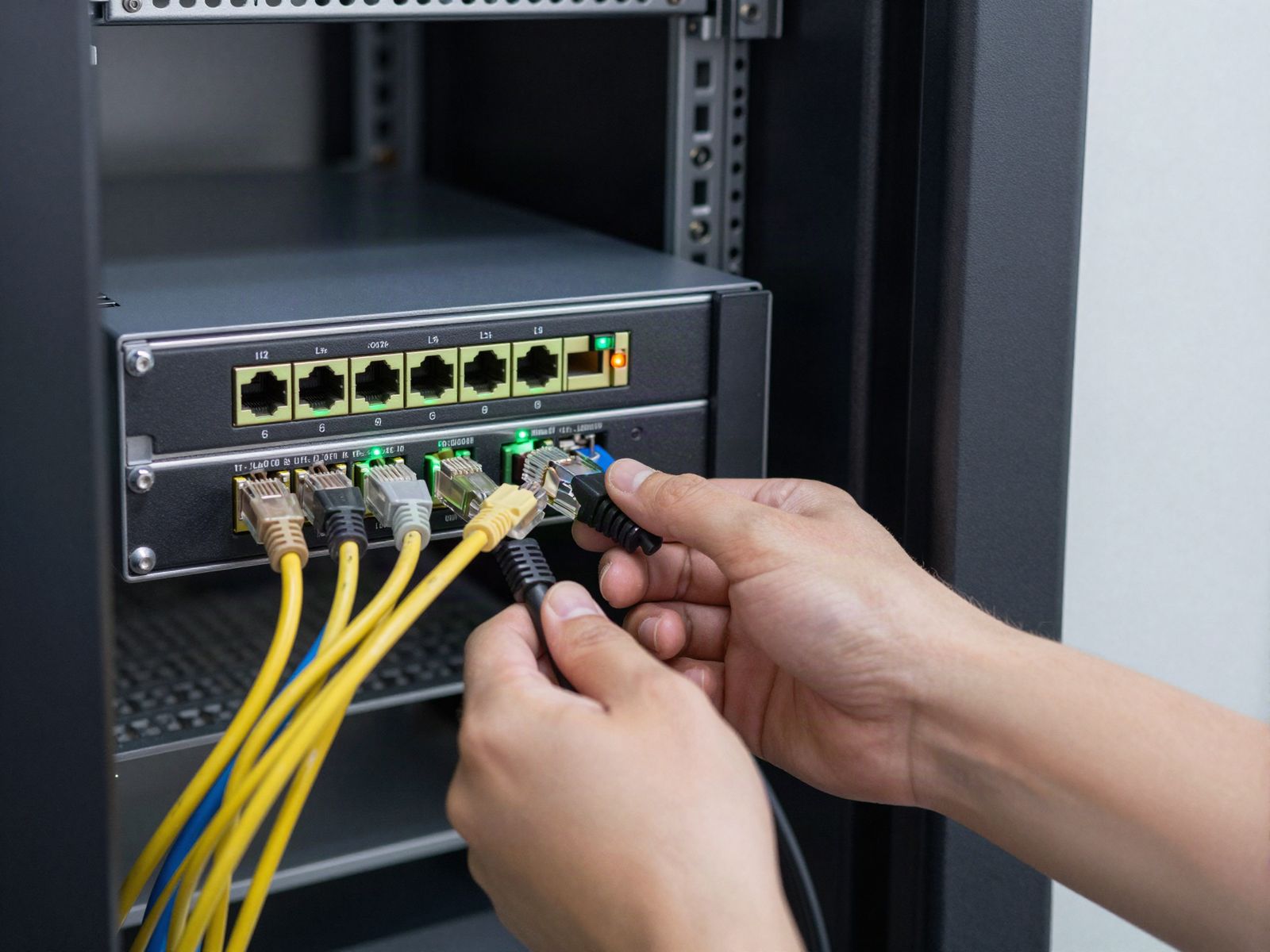

Short answer: A business network secures your company by controlling what can reach what: a maintained firewall at the edge, switches and Wi-Fi configured for business use, and separate sections for staff, guests, phones and security devices. It empowers the business by keeping phones clear, cloud apps fast and new hires or new locations easy to add. TechCore plans both sides together for offices across Middle Tennessee and Chattanooga.
The four layers of an office network
Most owners see the network as "the internet" and a Wi-Fi password. In practice, four layers decide whether it works:
- The edge. The firewall between your internet connection and everything inside. It decides what traffic gets in and out.
- Switching and cabling. The switches and drops that connect desks, printers, phones, cameras and access points.
- Wireless. Access points placed where people actually work, with separate networks for staff and visitors.
- Segmentation. Rules that keep groups of devices apart, so a guest laptop or an infected computer cannot reach your accounting system or camera recorder.
Signs your network is holding the business back
- Wi-Fi drops in the back offices or the warehouse but works fine near the front desk.
- Calls get choppy in the afternoon when everyone is on video meetings.
- Guests and employees share the same Wi-Fi password, and it has not changed in years.
- Cameras, card readers and office computers all sit on one flat network.
- There is a consumer router somewhere doing a business job.
- Nobody has a diagram, and nobody knows which switch port feeds which room.
Any one of these is common. Several together usually mean the network grew one device at a time without a plan.
How networking protects you
For a typical small office, security comes less from exotic tools and more from the basics done well. That means a firewall with current firmware and reviewed rules, admin accounts limited to the people who need them, secure remote access for staff working from home and segments that keep trouble in one area from spreading.
Security devices deserve special attention. A medical office in Franklin or a manufacturer in Cleveland might have cameras and door controllers installed by one company and computers supported by another, all sharing one network. TechCore is the sister company of Turner Security, which installs cameras and access control, so we can plan where those devices sit and who can reach them. Details are on our network security page.
How networking moves the business forward
The same planning pays off in daily work. VoIP phones stay clear when switches give voice traffic priority. Cloud apps feel faster when Wi-Fi coverage matches the floor plan. A new hire in Smyrna can be plugged in and working the first morning because ports and accounts are documented. And when you open a second location, it can use the same equipment and settings as the first, which makes it easier to support from one help desk.
How a TechCore network project runs
- Walkthrough. A technician visits, reviews your current gear and devices and notes where coverage and capacity fall short. This is part of our free IT assessment.
- Written plan. You get the recommended equipment, cabling and coverage in writing, along with what can be reused.
- Install and test. We configure and test each switch, access point and drop.
- Document and support. We record the setup, and our help desk handles changes after the project.
Our business networking solutions page lists what a project can include.
Networking FAQ
Do we have to replace everything?
No. Equipment that is still reliable and supported can usually stay. We replace the pieces holding the network back.
Should cameras be on a separate network?
Generally, yes. Cameras use a lot of bandwidth and should not share space with guest Wi-Fi or office computers. We plan that with Turner Security.
Can you support our network after the install?
Yes. Ongoing support can be part of a managed IT plan or handled through the help desk as needed.
Want a second set of eyes on your network?
Pull up a list of what is plugged into your network today, even a rough one, and call TechCore at (615) 237-5700. We will schedule a free walkthrough from our Smyrna or Chattanooga office and show you what to fix first.