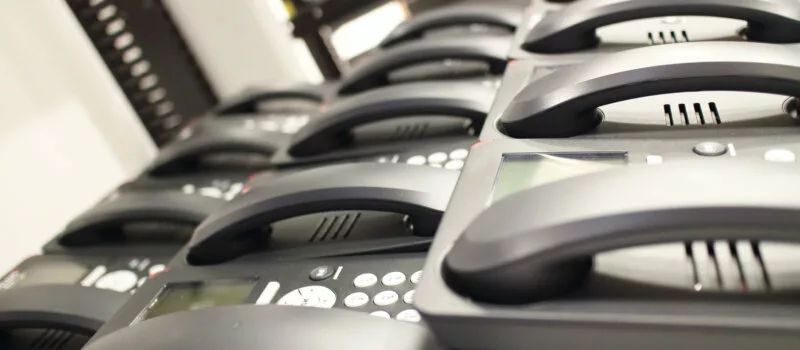
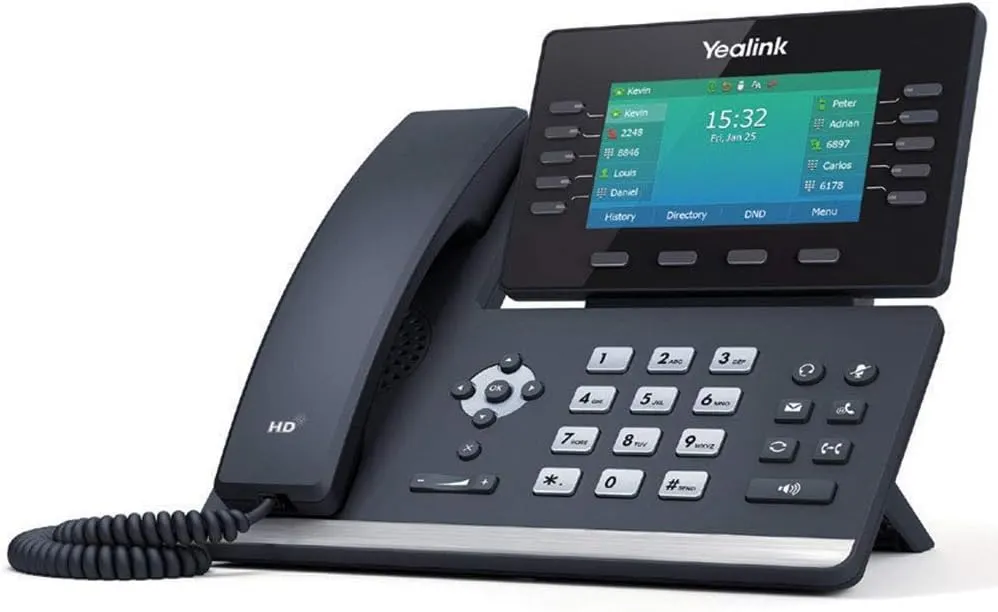
Short answer: Eliminating POTS lines means moving every device that still depends on a copper phone line to a new path before the line is cancelled or retired. Desk phones are the easy part. The work is finding the alarm panel, fire panel, elevator phone, fax machine, gate callbox and card terminal still plugged into copper, choosing a replacement for each, and cutting over in an order that never leaves a life-safety device without a way to call out.
Why this is on your calendar now
POTS, short for plain old telephone service, is the traditional copper line from the phone company. Carriers are moving away from it. AT&T has said it plans to exit its copper network across the vast majority of its wireline footprint by the end of 2029, moving customers to fiber, wireless and newer voice services. As copper lines thin out, the ones left in service tend to cost more, and repairs can take longer.
You do not need to wait for a carrier letter. A planned move lets you pick the timing, test everything and avoid finding out at 2 a.m. that the fire panel can no longer reach its monitoring center.
Step 1: Trace every line, not just the ones on the bill
Your phone bill lists line numbers, but it rarely tells you what each line is connected to. In many buildings around Smyrna, Murfreesboro and Chattanooga, lines were added over decades by different vendors and never labeled. Start with a walk-through:
- Match each billed number to a jack and a device, starting at the phone company's demarcation point.
- Look behind alarm and fire control panels for phone line connections, which are often two lines.
- Ask building management about elevator emergency phones and any gate or door callboxes.
- Check the front office and back office for fax machines, postage meters and older card terminals.
- Write down lines nobody can identify. Those are the ones to test before anything is cancelled.
Step 2: Pick a replacement for each device
Each device type has its own path off copper, and they should be planned separately:
- Desk phones and main numbers: move to a hosted VoIP phone system, porting your existing numbers.
- Burglar alarm and fire alarm communicators: switch to cellular or internet communicators, which TechCore's sister company Turner Security can install and test with the monitoring center.
- Elevator phones: coordinate with your elevator service company, since the replacement has to meet their requirements.
- Fax: an online fax service or a properly configured adapter, then send real test faxes to the offices you exchange documents with.
- Card terminals: most current terminals connect over the internet or cellular, so this is often a terminal swap through your payment provider.
Step 3: Plan the phones themselves
With the special-purpose lines handled, the business phones become a normal VoIP project. Before go-live, every desk phone needs an accurate 911 location, because emergency services rely on it to find the caller. Your internet connection also has to carry voice cleanly, and it is worth deciding what happens to calls if that connection drops, such as forwarding to mobile phones or adding a backup internet line. Our side-by-side VoIP vs. landlines: replacing POTS lines guide covers those tradeoffs in more detail.
Step 4: Cut over in a safe order
- Move alarm and fire communicators first, and confirm signals reach the monitoring center.
- Port the main numbers to the new phone system and test inbound and outbound calls, including 911 location.
- Switch fax, card terminals and callboxes, testing each with a real transaction or call.
- Only then cancel the copper lines, keeping a record of which numbers were retired.
How TechCore and Turner Security split the work
TechCore plans and installs business phone systems in Murfreesboro, TN and across Middle Tennessee, checks the network before the phones go in and moves your numbers. Turner Security handles the alarm and fire panel side. Because both companies share owners, offices and a team, one project plan covers every line in the building instead of three vendors guessing about each other's equipment. If you are in the Nashville area, see our VoIP business phone service in Smyrna, TN page for local details.
Frequently asked questions
Do we have to drop our copper lines right away?
Not necessarily. Timing depends on your carrier and location. Starting the inventory early gives you time to replace devices on your schedule instead of the carrier's.
Will our phone numbers change?
In most cases, no. Existing business numbers can usually be ported to the new phone service, and the port is scheduled to keep downtime short.
What if we find a line nobody can identify?
Leave it in place until it is traced. A test call, a check at the panel or a look at the wiring usually reveals what it serves. Cancelling a mystery line first is how fire panels and elevator phones go silent.
Get your lines mapped before you cancel anything
A POTS retirement goes smoothly when every line has a name and a replacement before the cutover date. Call TechCore at (615) 237-5700 and ask for a free IT assessment, and we will help you inventory your copper lines, flag the life-safety devices and plan the move with Turner Security.