Short answer: A single consumer router is built for a home with a handful of devices. In an office, it runs out of range, struggles with dozens of laptops, phones and cameras at once and often puts guests on the same network as your business files. Good business Wi-Fi uses several ceiling mounted access points placed from a site survey, managed from one dashboard, with WPA3 security, a guest network that can't reach company devices and separate network segments (VLANs) for things like phones and cameras.
Wi-Fi gets blamed for a lot, and often fairly. When calls break up, files take forever to save and the conference room never connects, the cause is frequently a network that was set up like a home instead of a business.
Why do consumer routers fail in offices?
Home routers aren't bad equipment. They're designed for a different job. In an office, they tend to break down in a few predictable ways:
- Range. One box in a closet or at the front desk can't cover a whole floor through walls, filing cabinets and other offices. Add a few range extenders and the speed drops further.
- Too many devices. A modern office has laptops, cell phones, printers, IP phones, cameras, TVs and smart devices all connecting at once. Consumer routers aren't built to juggle that load all day.
- Everyone on one network. Guests, employees, the copier and the security cameras usually share the same network, so a visitor's infected laptop sits right next to your file server.
- No central management or alerts. Settings live on each device, firmware updates are easy to forget, and nobody gets notified when something fails.
- Weak security options. Shared passwords that never change, and features meant for convenience at home, don't fit a business.
What does good business Wi-Fi look like?
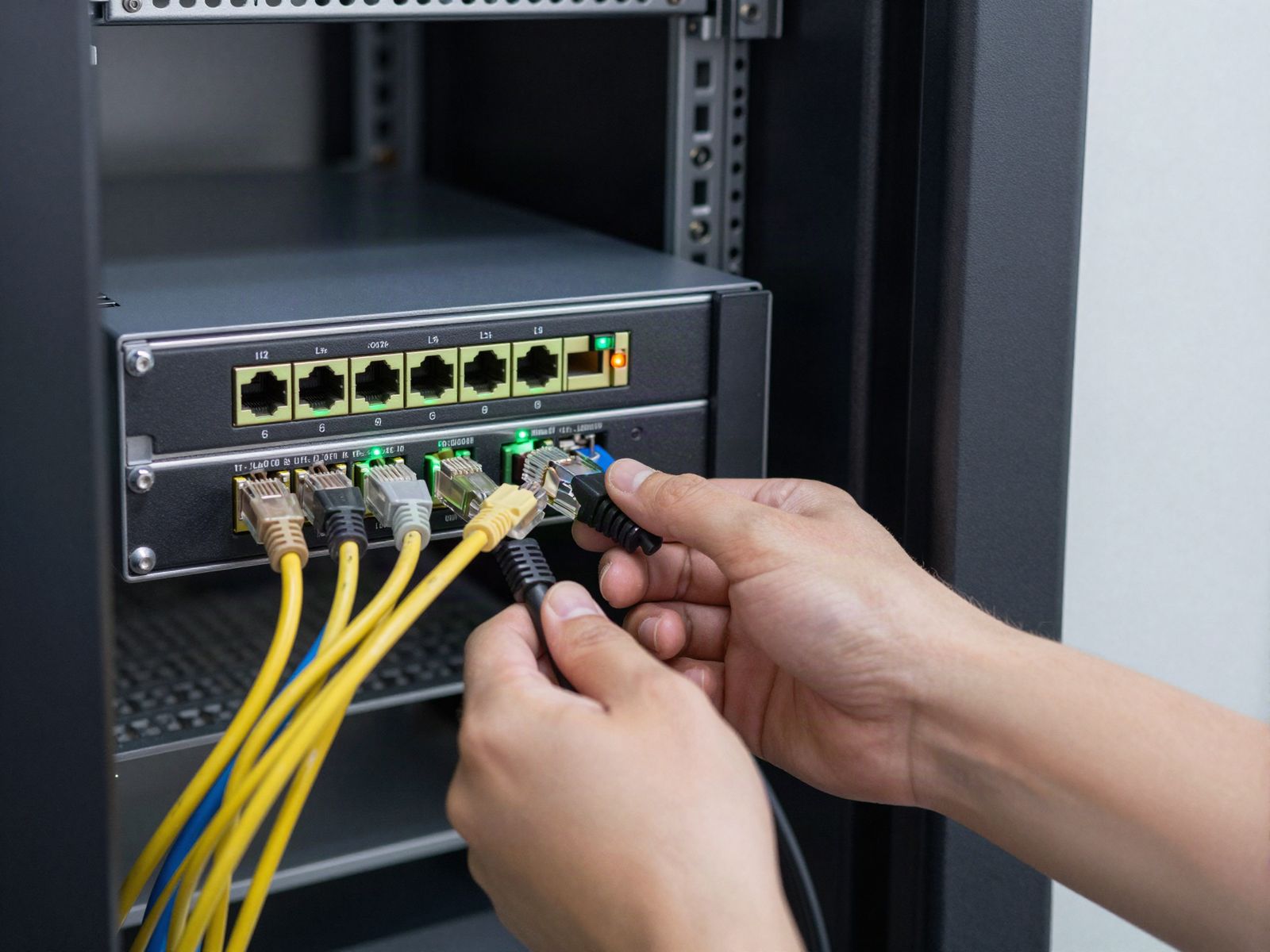
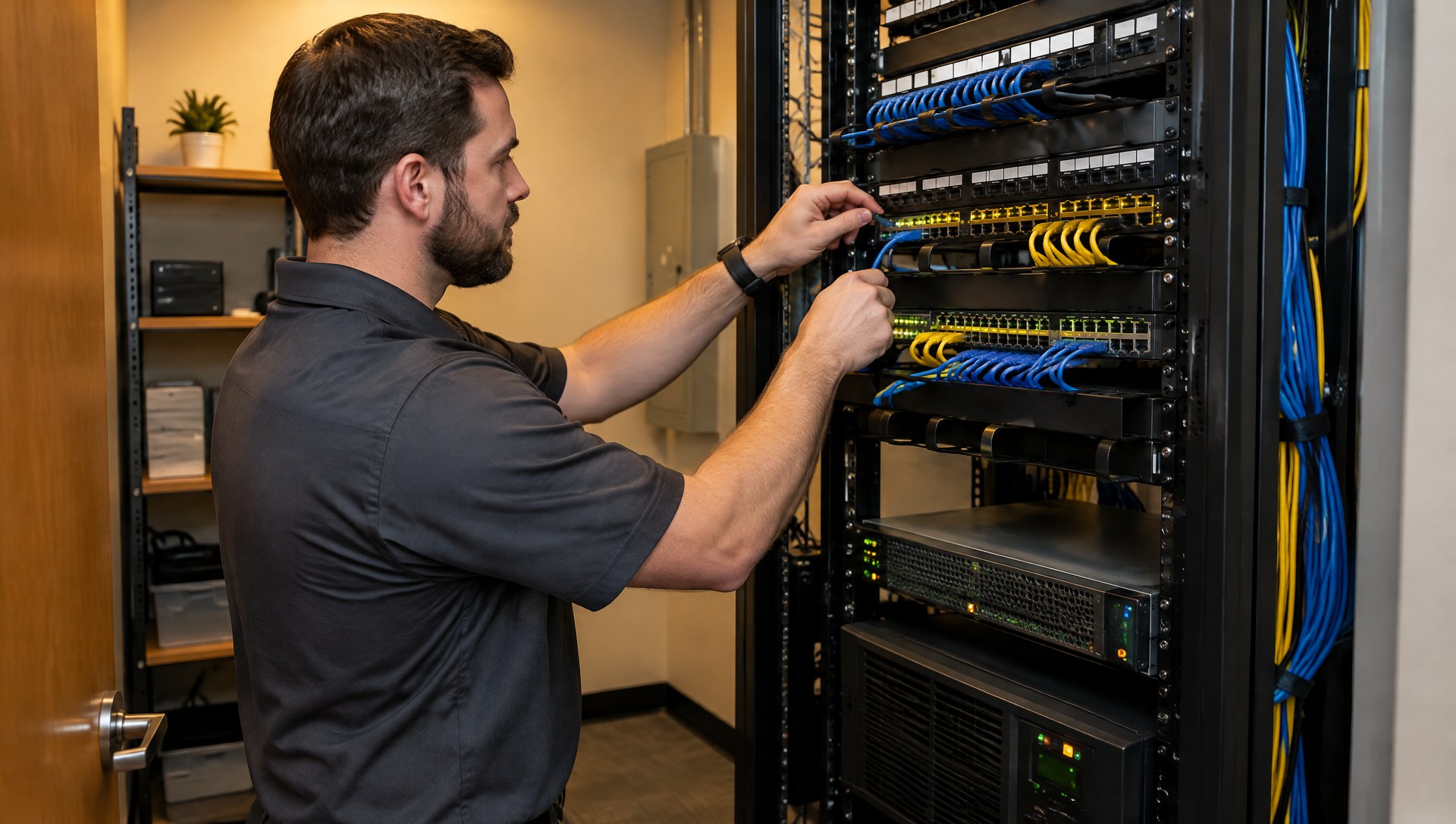
Business Wi-Fi is built around access points instead of a single router. Access points are small devices, usually mounted on the ceiling, that each cover part of the building. A firewall handles the internet connection and security, a network switch connects everything and often powers the access points through the network cable, and the access points provide the wireless coverage.
| Single consumer router | Business Wi-Fi with access points | |
|---|---|---|
| Coverage | One location, plus extenders | Several access points placed for the building |
| Device load | Built for a household | Built for many users and devices at once |
| Moving around | Devices cling to a weak signal | Devices hand off between access points as people move |
| Guest access | Often the same network as staff | Separate guest network, isolated from business devices |
| Management | Each box set up by hand | Managed from one dashboard, with alerts and updates |
| Security | Shared password | WPA3, separate networks, individual logins where needed |
Why does a site survey matter?
A site survey is a walk through of your space to plan where access points go before anything is installed. It looks at the size and layout of the office, wall materials, where people actually sit and how many devices they use, and where interference might come from. Brick, concrete, metal shelving, elevator shafts and even glass can block or weaken a signal.
Skipping the survey usually leads to one of two problems: too few access points, leaving dead zones in back offices and conference rooms, or too many crammed together, interfering with each other. A survey also shows where cable needs to run, which is often the largest part of the installation work.
Why keep guest Wi-Fi separate?
Visitors, patients and vendors should get internet access and nothing else. CISA recommends running guest Wi-Fi on a network separate from the main network so guest traffic can't reach organizational information, and the Canadian Centre for Cyber Security gives similar advice: keep guests isolated from the primary network, use a separate guest password and limit how long it stays valid.
In practice, that means a guest network that can reach the internet but can't see your computers, printers, server or cameras, with its own password that you change on a schedule.
What is WPA3 and do we need it?
WPA3 is the current Wi-Fi security standard, replacing WPA2. It makes it much harder for someone to guess a Wi-Fi password by trying combinations, and it requires protections that older networks made optional. The Wi-Fi Alliance says WPA3 is mandatory for Wi-Fi CERTIFIED devices, and networks on the 6 GHz band used by Wi-Fi 6E and Wi-Fi 7 must use WPA3 (or its open network equivalent).
Many offices run a mixed mode for a while so older devices can still connect. Over time, older devices that only support WPA2 are a good reason to plan replacements. For a business, it's also worth considering individual logins for staff Wi-Fi instead of one shared password, so a departing employee's access can be turned off without changing the password for everyone.
What are VLANs, in plain language?
A VLAN (virtual LAN) splits one physical network into separate networks that can't talk to each other unless you allow it. It's like putting different groups in different rooms of the same building, with locked doors between them.
A common small office setup looks like this:
- Staff network for company computers and printers.
- Phone network for IP phones, so voice traffic can be prioritized and call quality holds up. If you're adding business phones, this is part of doing it right.
- Camera and device network for security cameras, smart TVs and other devices that rarely get security updates, kept away from business data.
- Guest network with internet access only.
The firewall controls what, if anything, can cross between them. If a camera or a guest's laptop is compromised, the problem stays in its own room. Setting up and maintaining these rules is part of our network security work.
What's the difference between managed and unmanaged Wi-Fi?
Unmanaged equipment is set up once and left alone. Nobody watches it, updates are hit or miss and problems surface when users complain.
Managed Wi-Fi is monitored and maintained by your IT team or provider from a central dashboard. Firmware gets updated, failing access points trigger alerts, and changes such as a new guest password or a new access point can be made remotely. Many issues can be handled remotely, with on-site and remote IT support when hardware needs hands on work. Like other network gear, access points are usually planned on about a 5 year replacement cycle, since manufacturer updates eventually end.
How do I know Wi-Fi is the problem?
Signs that point to the wireless network rather than your internet service:
- Speeds are fine near the router or access point but poor in certain rooms.
- Calls break up or drop when people walk between areas.
- Problems get worse when the office is full and better before 9 a.m.
- Wired computers work fine while wireless ones struggle.
- Devices show full bars but still won't load anything.
- You're relying on range extenders or mesh units bought at a retail store.
A quick test: plug a laptop directly into the network with a cable and run a speed test, then do the same over Wi-Fi in a problem area. A big gap usually means the issue is the wireless setup, not the internet line.
FAQ
How many access points does an office need?
It depends on square footage, walls and how many people and devices use the space. A site survey gives the real answer, which is why guessing often leads to dead zones or interference.
Can we just add mesh Wi-Fi from a store?
Retail mesh systems can improve coverage, but most are built for homes and lack business features like separate VLANs, central monitoring and individual staff logins.
Is it safe to use one Wi-Fi password for everyone?
It's common but risky. Anyone who has ever had the password keeps access until you change it, and a guest with the staff password can reach business devices.
Do we need new Wi-Fi to use VoIP phones?
Not always, but voice calls are sensitive to weak or crowded Wi-Fi. Wired desk phones, a separate phone network and voice priority on the firewall all help.
Get your Wi-Fi checked
TechCore designs and supports business networking solutions for offices in Smyrna, Nashville, Middle Tennessee and Chattanooga, from access points and switches to firewalls and guest networks. Request a free IT assessment and we'll look at your coverage, your security settings and what's actually causing the slowdowns before recommending any equipment.